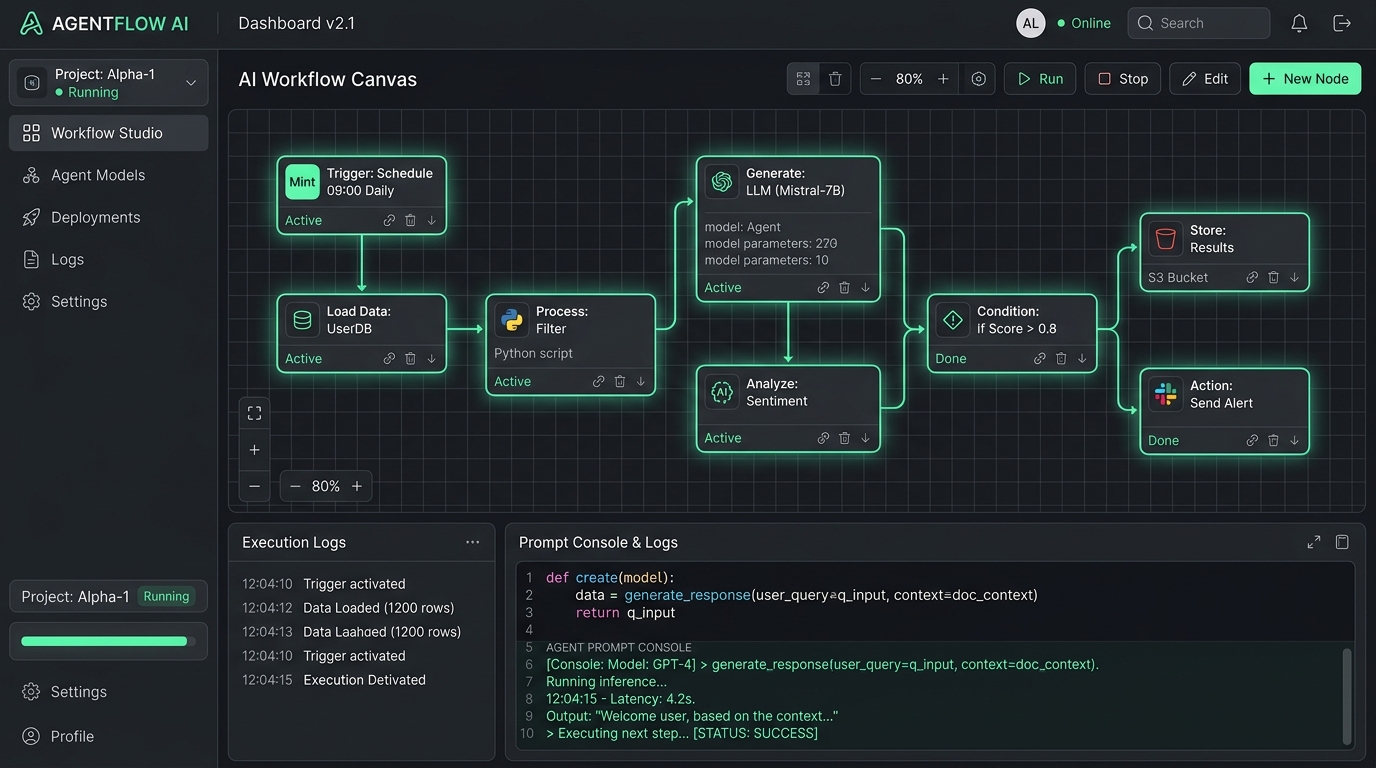
What is n8n? The Ultimate Guide to Open-Source Workflow Automation in 2026
Discover what is n8n, how its node-based workflow automation engine works, why it outperforms Zapier and Make in cost and privacy, and how to build autonomous AI agents with self-hosted Docker.
What is n8n? The Ultimate Guide to Open-Source Workflow Automation in 2026
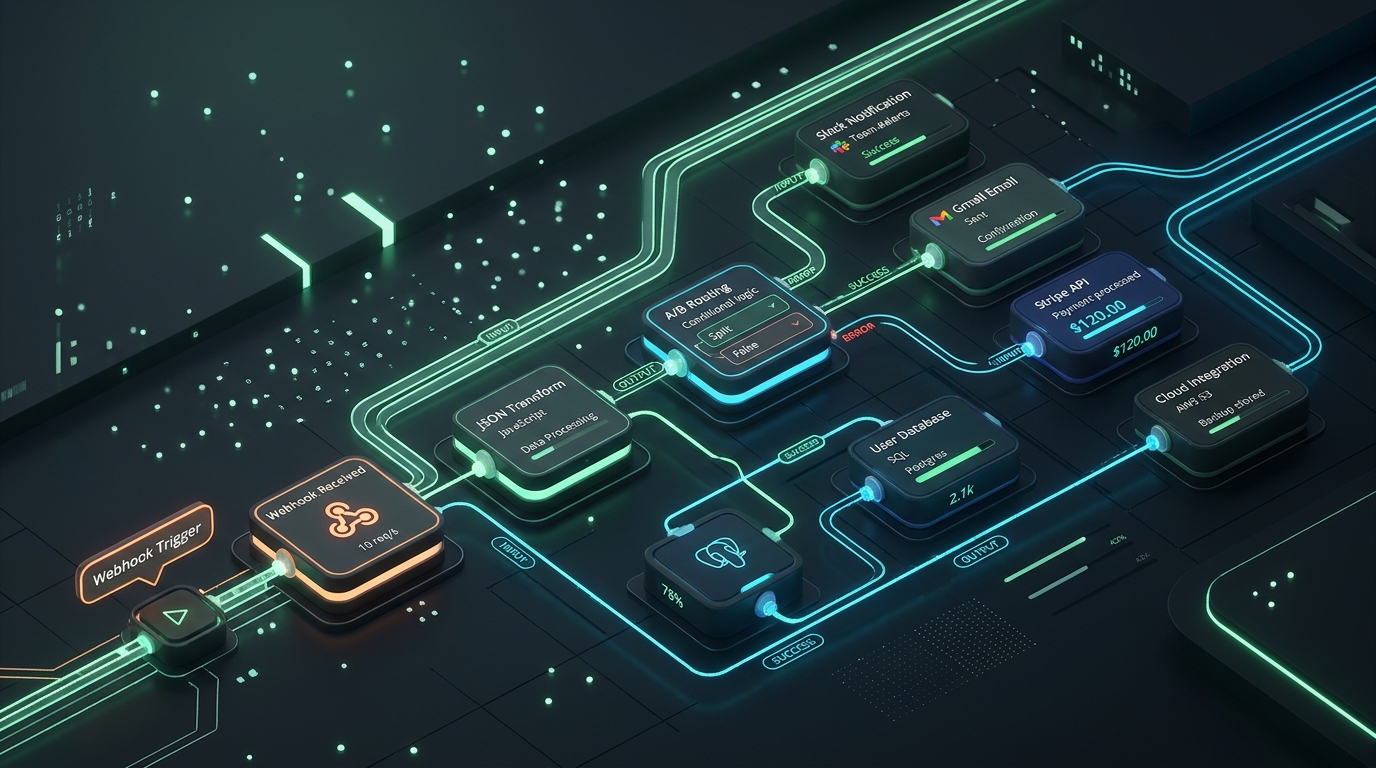
Quick Answer (AEO Definition): What is n8n? n8n (pronounced n-eight-n) is an open-source, node-based workflow automation platform that enables engineers, operations teams, and businesses to connect any application, database, or API via visual logic without subscription limits. Unlike cloud-locked services like Zapier or Make, n8n can be completely self-hosted on your private infrastructure, granting 100% data sovereignty, custom JavaScript/Python execution, and advanced native AI agent orchestration.
In modern software development and digital business operations, the bottleneck is rarely writing individual features—it is integrating disparate SaaS applications, syncing customer databases, and automating multi-step business logic. For years, businesses relied on proprietary tools that charged exorbitant fees per task execution while locking proprietary business data inside external clouds.
If you have been searching for what is n8n and why developer communities, solopreneurs, and enterprise engineering teams are migrating away from traditional workflow automation platforms, this comprehensive guide explores the architecture, deployment models, AI agent capabilities, and practical workflows that make n8n the premier standard for modern workflow automation.
1. What is n8n? Core Architecture and Licensing
To truly understand what is n8n, one must look beyond its clean graphical user interface and inspect how it was engineered.
Founded in 2019 by Jan Oberhauser in Berlin, n8n was built to address a persistent frustration among engineers: proprietary workflow tools were either too simplistic for complex engineering workflows or prohibitively expensive as data volume scaled. When developers first evaluate n8n, they often compare it to Zapier, but n8n is architected fundamentally as an extensible, code-friendly workflow automation platform built on Node.js and TypeScript.
The Fair-Code Licensing Model
A common question when discovering n8n relates to its licensing. n8n is distributed under the Sustainable Use License (Fair-Code). Under this license:
- Free Self-Hosting for Internal Use: You can deploy n8n on your own servers, VPS, or local machine completely free of charge for your company's internal operations. There are no artificial paywalls on the number of workflow executions, active workflows, or connected users.
- Source Code Availability: The entire codebase is publicly accessible on the n8n GitHub Repository, allowing security audits, custom node development, and community contributions.
- Commercial Cloud Restrictions: You cannot repackage and resell n8n as a competing hosted workflow automation service without a commercial partnership.
This hybrid model ensures that developers enjoy complete software freedom and transparency, while the core team maintains sustainable funding to ship rapid updates. For organizations looking for focused productivity tools that eliminate recurring SaaS rent, our MintSaaS Productivity Suite follows this exact ethos: building software that prioritizes user ownership and transparency.
2. How n8n Works: Visual Node-Based Workflows and Execution Engine
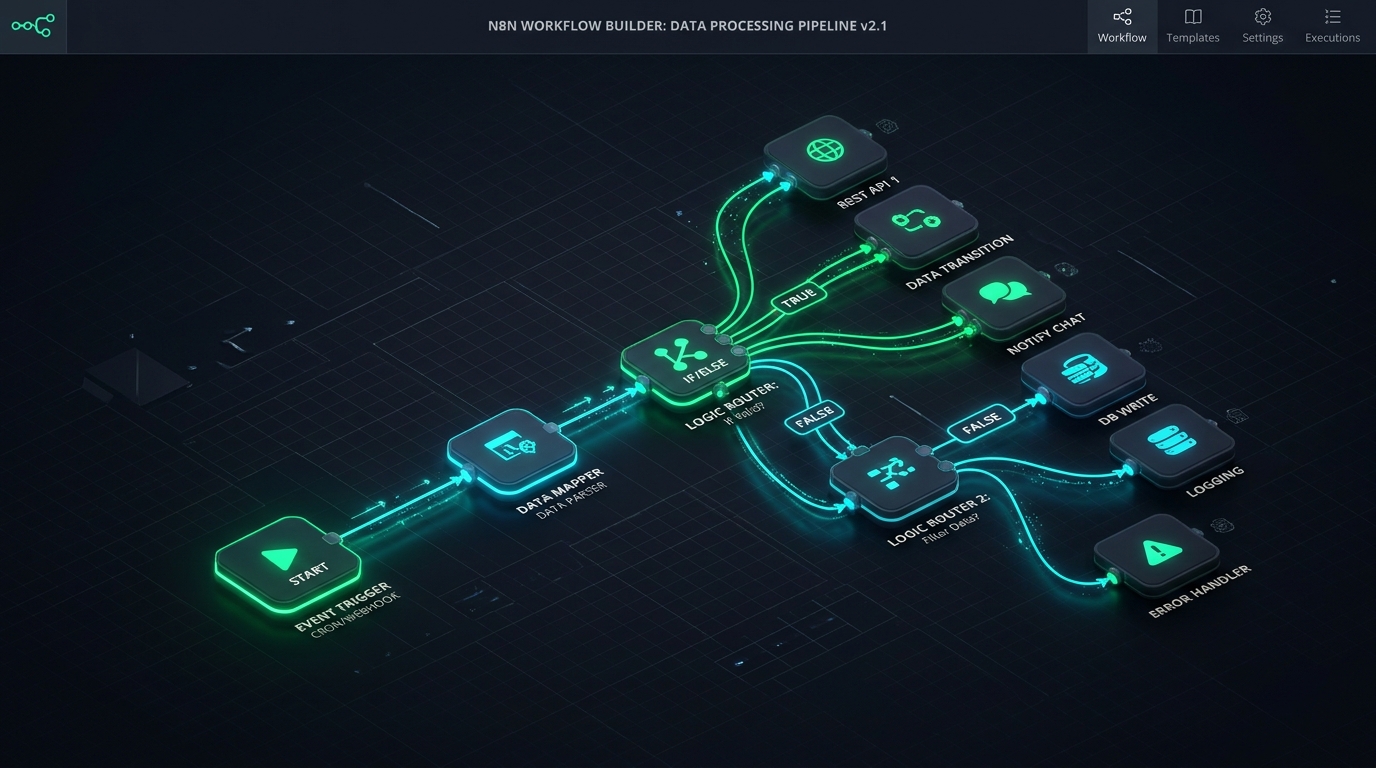
At its heart, n8n is an event-driven directed acyclic graph (DAG) execution engine. Workflows are represented as connected nodes on an infinite drag-and-drop canvas built for high-throughput workflow automation.
A fundamental concept when learning n8n workflow architecture is its execution lifecycle, which centers around three distinct categories of nodes:
A. Trigger Nodes (The Starting Spark)
Every workflow automation sequence begins with an event listener. In n8n, triggers can take multiple forms:
- Webhook Triggers: Instant HTTP listeners that fire when external services (Stripe, GitHub, Shopify, custom web apps) send JSON payloads.
- Polling Triggers: Interval-based pollers that periodically check third-party APIs for newly modified records (e.g., checking an inbox every 5 minutes).
- Schedule / Cron Triggers: Precise time-based triggers executed via cron syntax (e.g., running database cleanups every Sunday at midnight).
- App Event Triggers: Pre-built listeners for platforms like Slack, Discord, HubSpot, and PostgreSQL change streams.
B. Action & Transformation Nodes
Once triggered, execution flows through functional nodes. Unlike basic tools that restrict data manipulation to rigid drop-downs, n8n passes full, unadulterated JSON objects between nodes:
- Data Transformation: Filter, sort, aggregate, split, and merge JSON payloads natively.
- Custom Code Execution: Run arbitrary JavaScript or Python directly within the workflow. If an API requires a custom cryptographic HMAC hash, base64 encoding, or mathematical computation, you can write native code in seconds.
- Conditional Branching (If/Switch Nodes): Route complex multi-path workflows based on granular logic conditions.
C. Output & Destination Nodes
The terminus of an n8n workflow pushes enriched data to target destinations: updating customer records in your MintSaaS Business CRM, generating PDF contracts via client-side MintSaaS PDF Utilities, triggering push notifications, or writing records to PostgreSQL, BigQuery, or Amazon S3.
// Example: Custom Code Node in n8n transforming raw webhook data
for (const item of $input.all()) {
  const rawPayload = item.json;

  // Cleanse and normalize customer telemetry
  item.json.normalizedEmail = rawPayload.email.trim().toLowerCase();
  item.json.lifetimeValueUSD = Number(rawPayload.amount) / 100;
  item.json.isEnterprise = item.json.lifetimeValueUSD >= 1000;
  item.json.processedAt = new Date().toISOString();
}

return $input.all();
3. What is n8n vs Zapier vs Make? The Definitive Comparison
The biggest differentiator when evaluating n8n against cloud-only competitors like Zapier and Make (formerly Integromat) comes down to four fundamental pillars: Cost Scalability, Data Privacy, Debugging Fidelity, and Code Extensibility.
| Key Dimension | n8n (Self-Hosted & Cloud) | Zapier (Cloud Only) | Make / Integromat (Cloud Only) |
|---|---|---|---|
| Deployment Model | Self-hosted (Docker/K8s) or n8n Cloud | Proprietary Multi-tenant Cloud | Proprietary Multi-tenant Cloud |
| Pricing Predictability | Free self-hosted; Cloud per-workflow execution | Expensive per-step task pricing | Per-operation credit consumption |
| Data Privacy & GDPR | 100% On-Premise / Zero 3rd party retention | Data routes through Zapier US servers | Data routes through Make servers |
| Custom Code Capabilities | Full JavaScript & Python node execution | Limited 2-second timeout scripts | Strict formula language |
| AI Agent Capabilities | Native LangChain nodes & vector memory | Basic OpenAI chat actions | Basic AI routing |
| Error Handling & Retry | Granular execution logs & manual replay | Replay locked behind premium tiers | Good visual debugging |
| Complex Branching | Unlimited visual DAG branching | Requires costly multi-step Zaps | Visual branching supported |
Why Cost Scalability Favors n8n
On Zapier, a single workflow with 10 sequential steps that processes 10,000 incoming webhooks per month consumes 100,000 tasks, quickly costing hundreds of dollars every month.
In contrast, n8n eliminates this pricing trap: on a self-hosted instance running on a $10/month VPS, you can execute millions of tasks with zero additional fees. For growing businesses and agencies building high-frequency integrations, n8n delivers massive workflow automation ROI.
Explore our MintSaaS Software Catalog to discover other lean, cost-efficient software products built to eliminate recurring subscriptions.
4. Self-Hosting n8n: Docker, Scalability, and Privacy
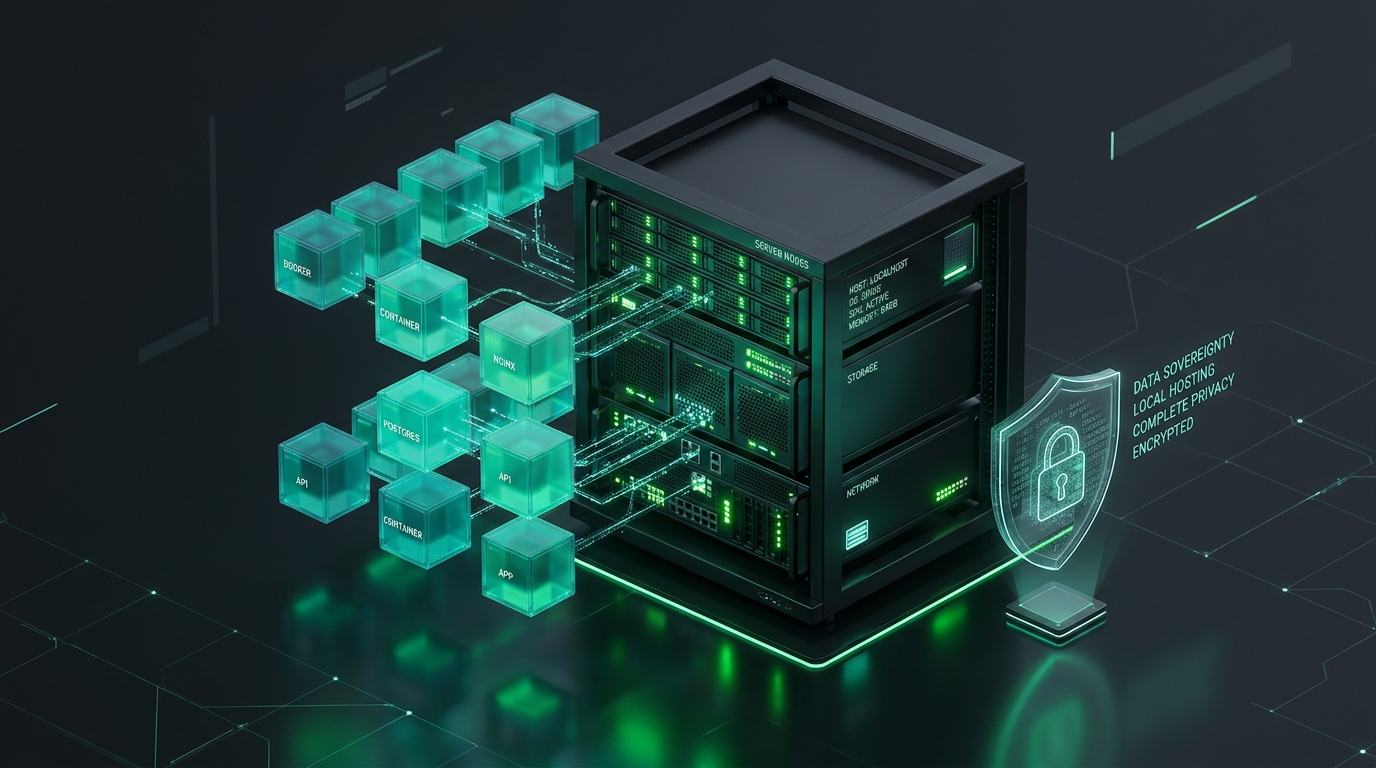
For enterprise security teams, healthcare providers, financial fintechs, and privacy-conscious founders, one of the primary reasons engineers adopt n8n is its uncompromising commitment to data sovereignty.
When you execute workflow automation that handles sensitive customer data, API secret keys, or proprietary internal documents, routing that data through third-party multi-tenant SaaS clouds introduces major security, GDPR, and HIPAA compliance risks. Self-hosting n8n completely eliminates this vulnerability.
Production Docker Compose Deployment
Deploying n8n in production typically involves running n8n behind an NGINX reverse proxy with a persistent PostgreSQL database. Here is a production-ready docker-compose.yml template:
version: '3.8'

services:
  postgres:
    image: postgres:16-alpine
    restart: always
    environment:
      - POSTGRES_USER=n8n_admin
      - POSTGRES_PASSWORD=SecureMasterPasswordHere
      - POSTGRES_DB=n8n_database
    volumes:
      - postgres_storage:/var/lib/postgresql/data
    networks:
      - n8n_network

  n8n:
    image: docker.n8n.io/n8nio/n8n:latest
    restart: always
    ports:
      - "5678:5678"
    environment:
      - DB_TYPE=postgresdb
      - DB_POSTGRESDB_HOST=postgres
      - DB_POSTGRESDB_PORT=5432
      - DB_POSTGRESDB_DATABASE=n8n_database
      - DB_POSTGRESDB_USER=n8n_admin
      - DB_POSTGRESDB_PASSWORD=SecureMasterPasswordHere
      - N8N_BASIC_AUTH_ACTIVE=true
      - N8N_BASIC_AUTH_USER=admin
      - N8N_BASIC_AUTH_PASSWORD=AdminStrongPassword
      - N8N_HOST=automation.yourdomain.com
      - WEBHOOK_URL=https://automation.yourdomain.com/
      - EXECUTIONS_DATA_PRUNE=true
      - EXECUTIONS_DATA_MAX_AGE=168
    volumes:
      - n8n_data:/home/node/.n8n
    networks:
      - n8n_network
    depends_on:
      - postgres

volumes:
  n8n_data:
  postgres_storage:

networks:
  n8n_network:
    driver: bridge
Scalability Modes: Regular vs. Queue Mode
For small to medium workloads (under 100 executions per minute), running n8n in standard single-instance mode for workflow automation is remarkably lightweight. For large-scale enterprise deployments processing hundreds of concurrent webhooks, n8n supports Queue Mode utilizing Redis and multiple worker nodes, allowing you to scale execution throughput horizontally with zero downtime.
To maintain maximum server and machine performance when hosting development environments locally on Mac or Windows, check out our MintSaaS System Cleaners & PC Optimizers.
5. What is n8n AI Agent Integration? Building Autonomous Workflows
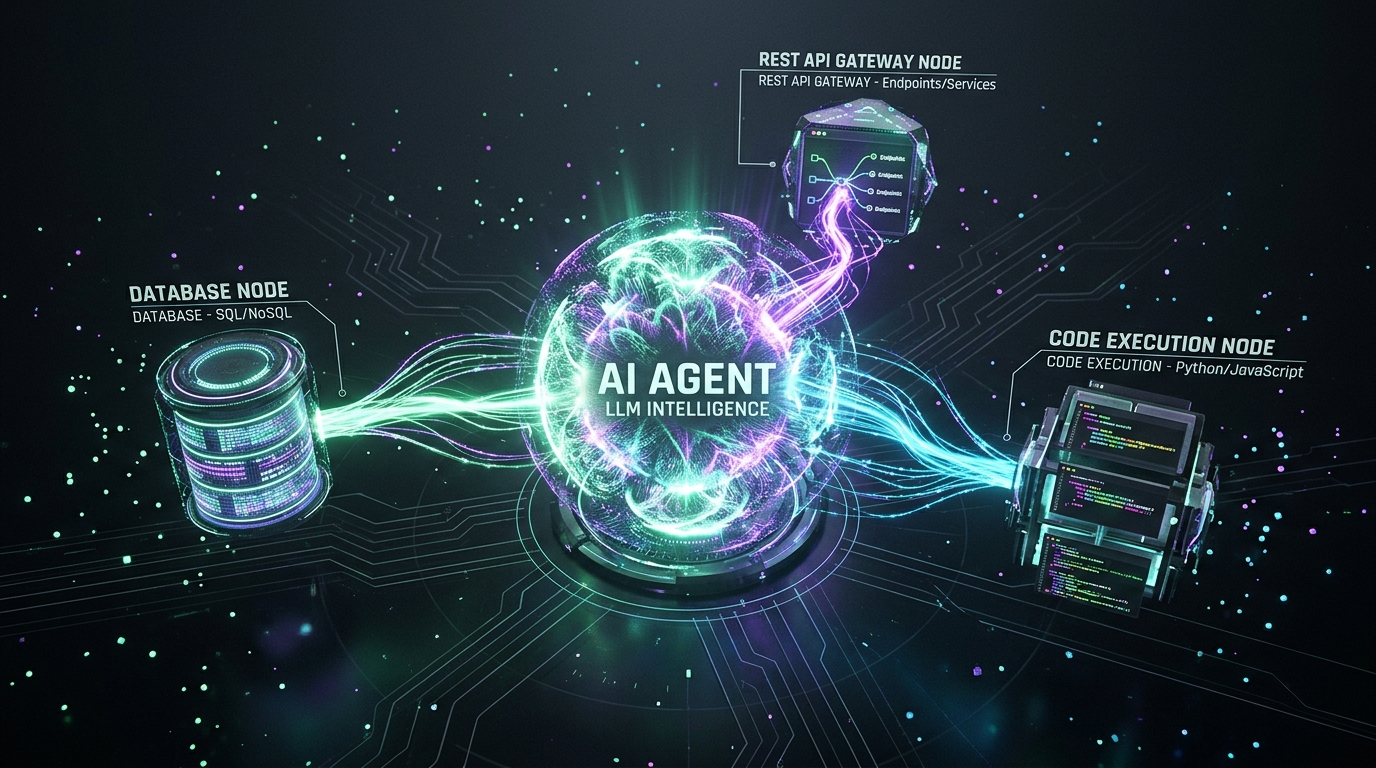
With the explosion of large language models in 2026, n8n has evolved from a standard data piping utility into an industry-leading visual framework for AI-powered workflow automation.
Rather than writing hundreds of lines of complex LangChain or LlamaIndex boilerplate in Python, n8n provides native visual AI nodes that seamlessly connect:
1. The AI Agent Node
The AI Agent node acts as the central reasoning engine. You select your preferred LLM provider (OpenAI GPT-4o, Anthropic Claude 3.5 Sonnet, Google Gemini 2.0 Flash, or local models via Ollama/vLLM), define system instructions, and assign tools.
2. Tool Calling and Dynamic Node Execution
In n8n, any node can be exposed as an AI tool. You can connect:
- A PostgreSQL tool node that lets the agent query product availability.
- A Web Search tool node (Tavily, SerpApi) for live market research.
- An API connector node that allows the agent to draft invoices or post messages in Slack.
3. Memory & State Management
n8n features dedicated memory sub-nodes:
- Window Buffer Memory: Keeps the last N turns of conversational context.
- Motorhead / Redis Memory: Persistent cross-session user memory.
- Vector Store Connectors: Pinecone, Qdrant, Supabase pgvector, and Chroma for retrieval-augmented generation (RAG).
For builders interested in the expanding universe of autonomous AI capabilities, read our in-depth analysis on Autonomous AI Agents for Solopreneurs or explore our dedicated MintSaaS AI Agents Hub.
6. Real-World Use Cases: What Can You Build with n8n?
For engineering teams and creators asking what is n8n best suited for, the answer spans almost every functional department in a modern business:
1. Lead Enrichment and CRM Workflow Automation
- The Workflow: When a prospective client submits a contact form on your website, a webhook fires into n8n.
- The Execution: n8n queries Clearbit or Apollo to enrich company size and revenue, checks if the lead is already present in your database, scores the lead using Claude, and pings your sales channel while adding the contact to your MintSaaS Business CRM.
2. Automated File Optimization and Asset Ingestion
- The Workflow: A designer uploads raw photographic assets or PDF agreements to an Amazon S3 bucket.
- The Execution: n8n listens to the S3 event, uses ImageMagick or headless converters to strip EXIF metadata, generates high-compression WebP variants, creates searchable text via OCR, and uploads the final artifacts to a public CDN. (Learn more about our local file philosophy in our About Us Software Architecture).
3. DevOps & Git Workflow Automation
- The Workflow: A GitHub commit is pushed to the main branch or a Dependabot alert is triggered.
- The Execution: n8n runs automated security checks, sends build notifications to team channels, triggers preview deployments, and logs audit entries in a private PostgreSQL table.
4. Autonomous Content Syndication & Social Intelligence
- The Workflow: An RSS feed or news source publishes a new development in your industry.
- The Execution: An n8n AI agent summarizes the technical article, drafts contextual takeaways tailored for LinkedIn and X, routes the draft to a team Slack channel with one-click approval buttons, and schedules publication once confirmed.
7. Step-by-Step Tutorial: Building Your First Automated Workflow in n8n
To experience firsthand n8n workflow creation in practice, let us walk through building a customer feedback workflow automation pipeline in under five minutes:
Step 1: Initialize the Webhook Trigger
- Open your n8n canvas and click Add first step.
- Search for the Webhook node.
- Set the HTTP Method to
POSTand the Path tocustomer-feedback. - Copy the generated Test Webhook URL.
Step 2: Add Logic and Data Validation
- Connect an If node to the Webhook node.
- Configure the condition:
{{ $json.body.rating }} <= 2. - If true (indicating an unhappy customer), route the data to a high-priority incident channel.
- If false, route the data to a standard analytics database.
Step 3: Integrate AI Sentiment Analysis
- Attach an AI Agent or OpenAI node to the true branch.
- Prompt:
"Analyze this customer feedback and suggest an immediate resolution: {{ $json.body.comments }}". - Extract the suggested remedy and draft an email response.
Step 4: Publish and Activate
- Toggle the workflow status from Inactive to Active.
- Switch from the Test URL to the Production Webhook URL.
- Your automated pipeline is now live, monitoring customer feedback 24/7 without ongoing manual supervision!
For teams needing custom workflow automation architectures or tailored integration pipelines, connect directly with our engineering staff via our MintSaaS Contact & Support Portal.
8. Security, Compliance, and Data Governance in n8n
As enterprise cybersecurity standards grow increasingly stringent, the question of enterprise data governance is paramount.
Credential Encryption
All API tokens, OAuth2 secrets, and database passwords stored in n8n are encrypted at rest using an encryption key generated upon first installation. This key is never transmitted externally. Even if an unauthorized party obtains a database snapshot, the stored credentials remain cryptographically secure.
Granular User Access Control (RBAC)
On enterprise installations, n8n provides Role-Based Access Control:
- Global Admins: Manage instance settings, environment configurations, and global credentials.
- Project Members: Create and maintain workflow automation logic within isolated project workspaces.
- Viewer Roles: Inspect execution histories and metrics without editing production logic.
Complete Audit Logs and Data Pruning
Unlike cloud tools that indefinitely cache customer data payloads, n8n gives administrators granular control over execution history. Using the EXECUTIONS_DATA_PRUNE environment variable, you can instruct n8n to delete execution payloads every 24 hours, guaranteeing that customer data never lingers in database logs longer than required by compliance mandates.
9. Frequently Asked Questions (FAQ) About n8n
What is n8n used for?
What is n8n used for primarily? n8n is used for automating repetitive business workflows, synchronizing data across disparate SaaS APIs, building customer onboarding and notification pipelines, orchestrating AI agents, and replacing manual data entry with self-hosted, code-extensible visual integrations.
Is n8n completely free to use?
Yes, n8n is free to self-host for internal company operations under its Sustainable Use License. You can run unlimited workflows, process millions of tasks, and connect an unlimited number of applications on your own servers without paying licensing fees. For users who prefer a managed infrastructure, n8n also offers a paid hosted cloud service called n8n Cloud.
Is n8n better than Zapier?
For developers, technical founders, and privacy-conscious organizations, n8n is significantly better than Zapier because it can be self-hosted, supports full JavaScript and Python code execution, provides native AI agent nodes, and does not charge exorbitant fees per task execution. Zapier remains simpler for non-technical users who require zero server setup and only need simple linear workflows.
Can non-developers use n8n?
While n8n is designed to be developer-friendly, its visual drag-and-drop canvas makes it accessible to tech-savvy non-developers, product managers, and operations specialists. Pre-built templates and a vast library of integrations allow users to configure complex automations without writing a single line of code, while still offering custom code blocks when deeper flexibility is needed.
How does n8n handle sensitive data?
Because n8n can be deployed entirely inside your private cloud, VPC, or on-premises server infrastructure, sensitive data never leaves your perimeter. API keys are encrypted at rest, and execution payload data can be automatically pruned after processing, ensuring strict compliance with GDPR, HIPAA, and SOC 2 standards.
Conclusion: Why n8n Represents the Future of Workflow Automation
Now that you understand what is n8n, its rise to prominence is clear. The era of accepting rigid, expensive, cloud-locked automation tools that charge for every operational step has passed.
By combining the speed of a visual drag-and-drop canvas with the limitless flexibility of custom code, Docker self-hosting, and native AI agent capabilities, n8n provides builders with the ultimate workflow automation toolkit. Whether you are an indie solopreneur automating client communications or an enterprise engineering team orchestrating mission-critical backend pipelines, mastering this modern automation stack empowers you to build software that works for you—efficiently, securely, and without limits.
Explore more practical guides, developer templates, and software tools across the MintSaaS Platform today.
More from MintSaaS Dispatch
Handcrafted technical insights and developer tools.